Weather confidence
for energy
WWee aarree VVaaiissaallaa XXwweeaatthheerr.. WWee aarree tthhee wweeaatthheerr iinntteelllliiggeennccee ppaarrttnneerr ffoorr tthhee wwoorrlldd''ss lleeaaddiinngg oorrggaanniizzaattiioonnss aanndd ggoovveerrnnmmeennttss.. WWee ttuurrnn wweeaatthheerr ffrroomm aa cchhaalllleennggee iinnttoo aann aaddvvaannttaaggee..
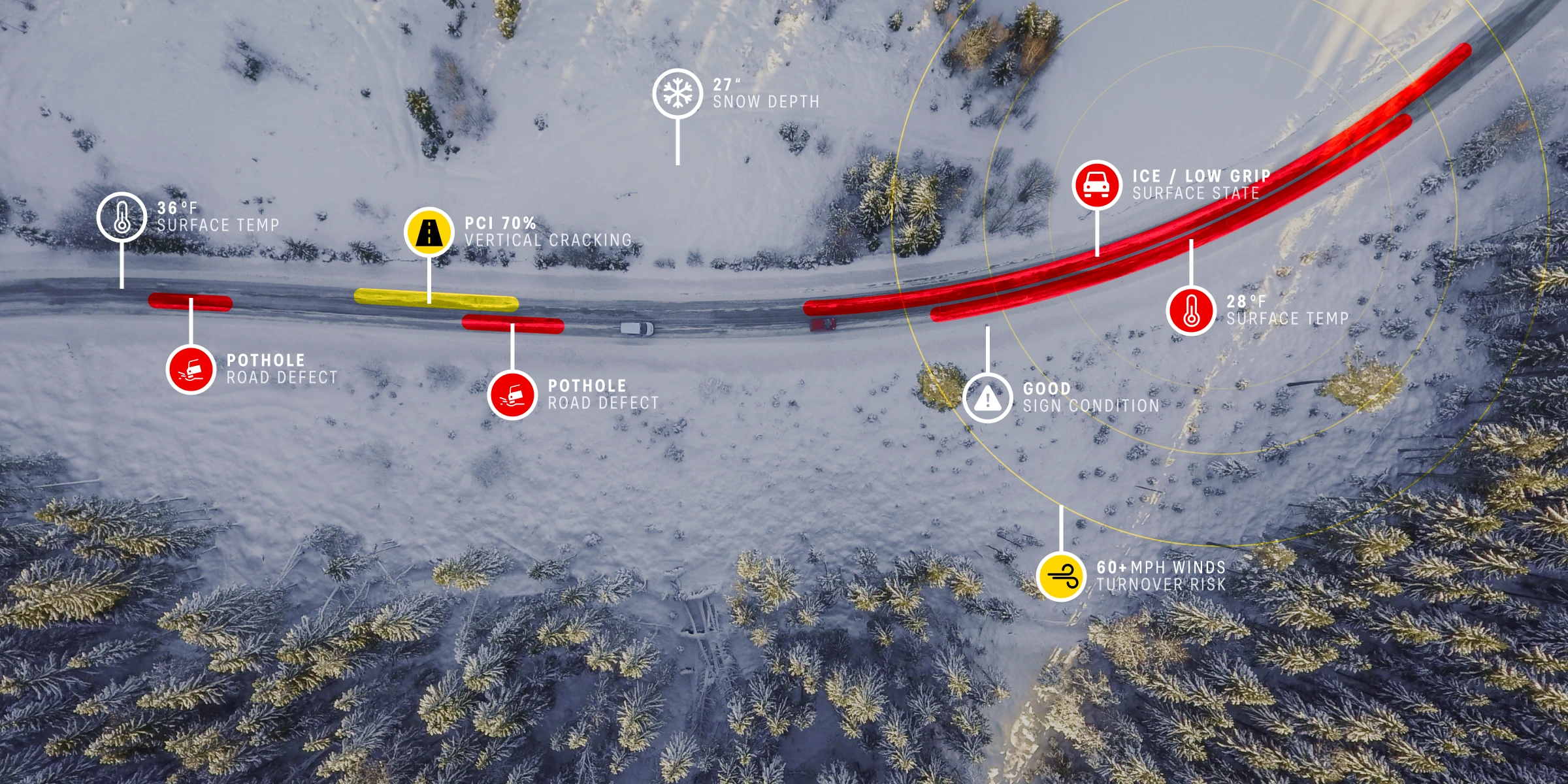
Our X factor is Xcast
Xcast is Xweather's proprietary technology that enables forecast accuracy unmatched in the market.
By combining unique measurement data from local sensors with cutting‑edge AI models, we provide the most accurate, timely, and actionable weather insights.
With Xcast, you see what others don't. And when you see ahead more clearly, you can optimize operations, automate decision‑making, and create positive business and environmental impacts.
Weather confidence in action for
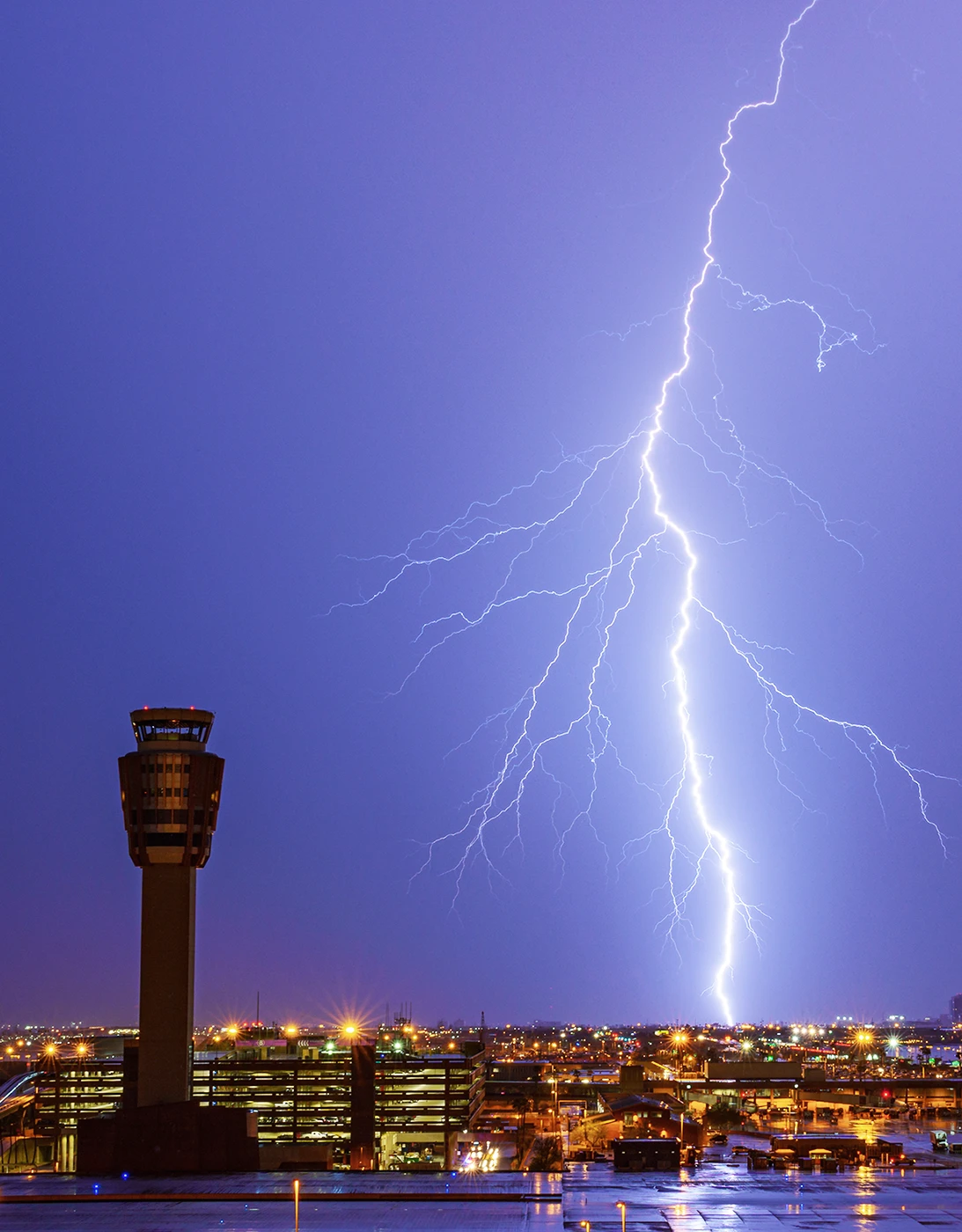
aviation safety
district heating
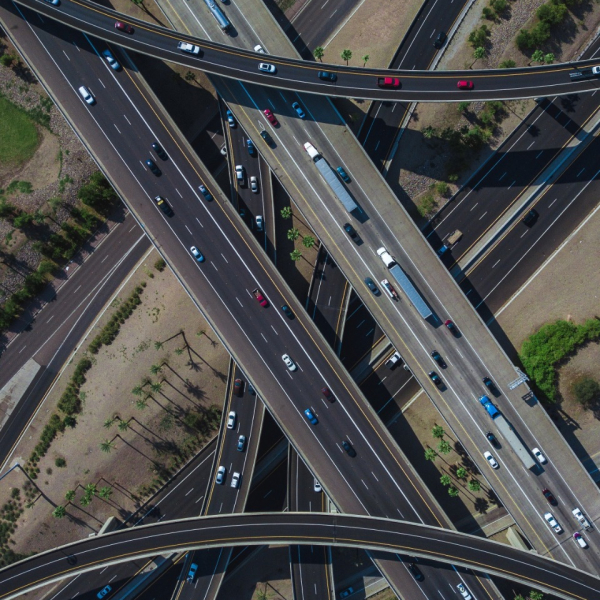
road safety
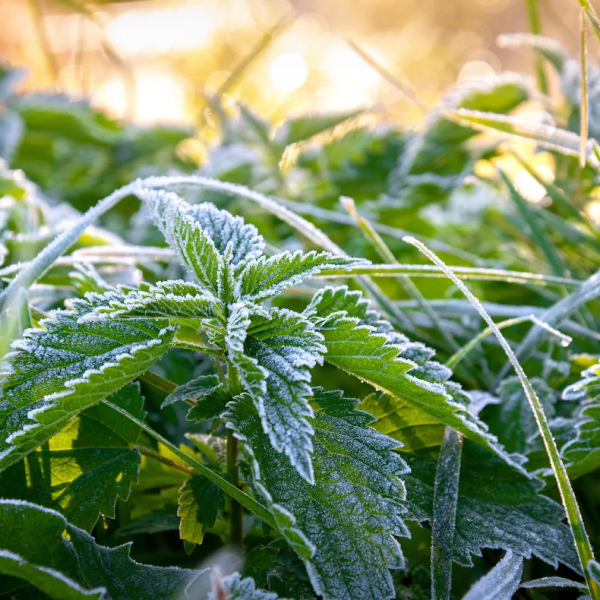
crop protection
Solution
Global network of lightning sensors + AI/ML model
Outcome
Forecast lightning risks up to 60 minutes in advance
Maximized safety, minimized delays
Grounding flights can cost airlines and airports thousands of dollars per minute. A fast and accurate assessment of severe weather risks is critical for maximizing operational efficiency while ensuring worker safety.
Xweather operates a global network of lightning sensors that feed an AI model powered by Xcast technology to create lightning forecasts and alerts for at-risk areas up to 60 minutes in advance.
Industries
Our weather intelligence and solutions are tailor-made for you, no matter what industry your organization or business is in.

The planet's easiest-to-integrate weather intelligence


We've been weather‑confident for a while
Since 1936 — and since MIT became our first client — we have committed ourselves to measure what matters and turn it into action.
It's time to turn weather into something to look forward to, not something to fear.
It's time to turn climate anxiety into climate confidence.
It's time to choose Vaisala Xweather.